The VectorCraft notebook
SVG walkthroughs, downloadable examples and candid notes on choosing a vector editor.
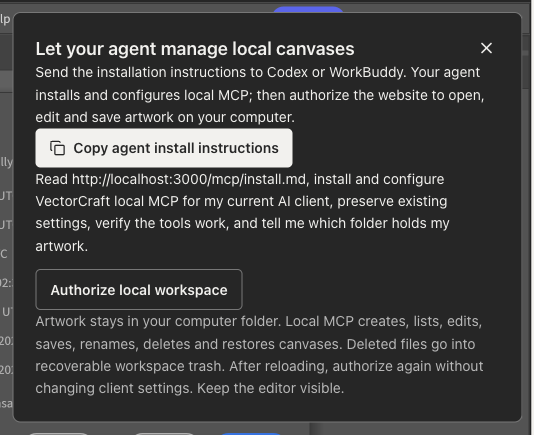
Ask your agent to install MCP and manage local canvases
Install through Codex or WorkBuddy, then create, open, edit, save, delete and restore local artwork. Files stay on your computer; the website edits and previews them.
Website local MCP or the official CLI MCP?
Compare two local workflows: manage artwork files and edit in a browser, or use the official CLI with a headless engine or desktop application.
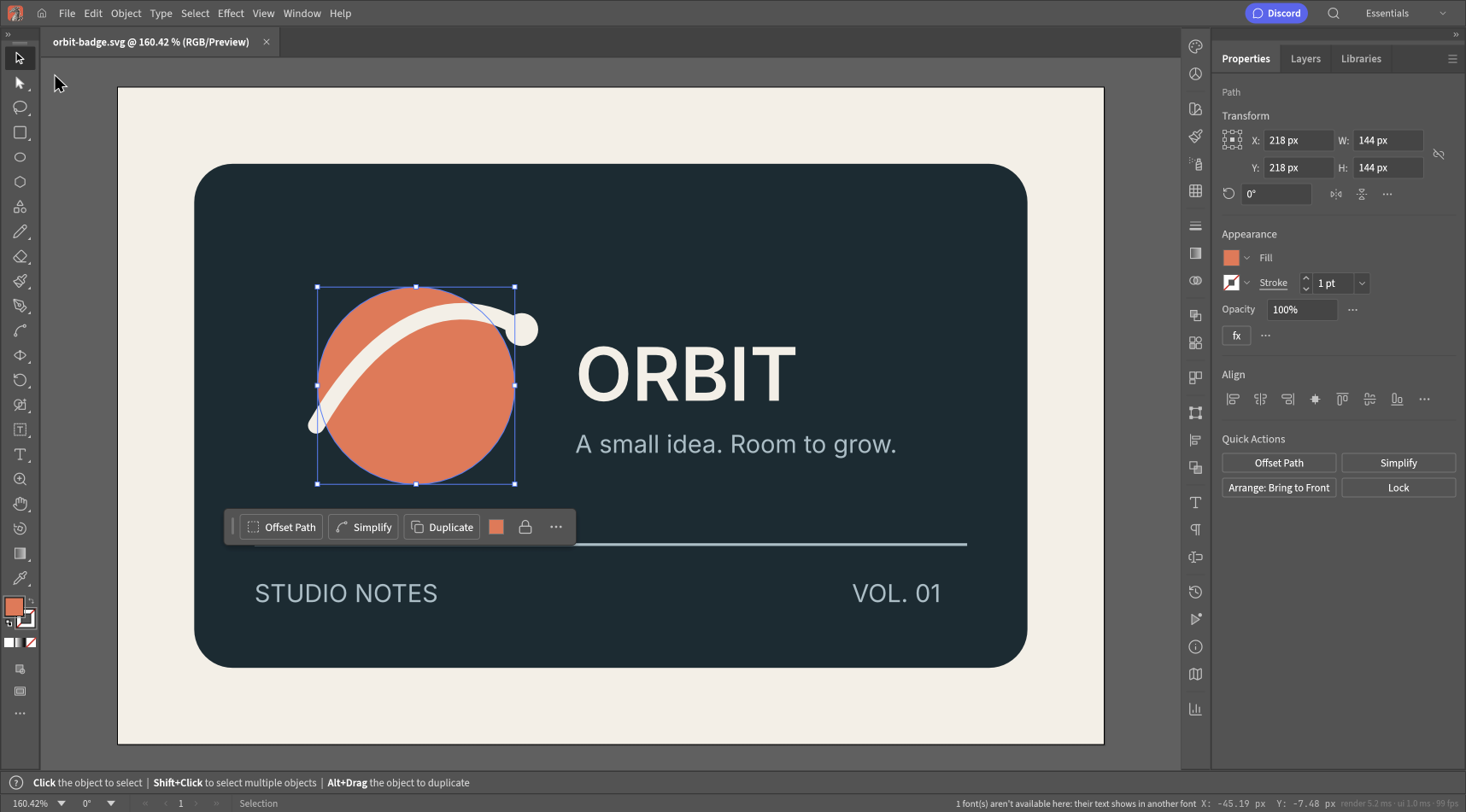
How to edit an SVG file online with VectorCraft
A real SVG edit, from opening the file to checking the download. Follow along with our Orbit badge and see the font problem we caught.
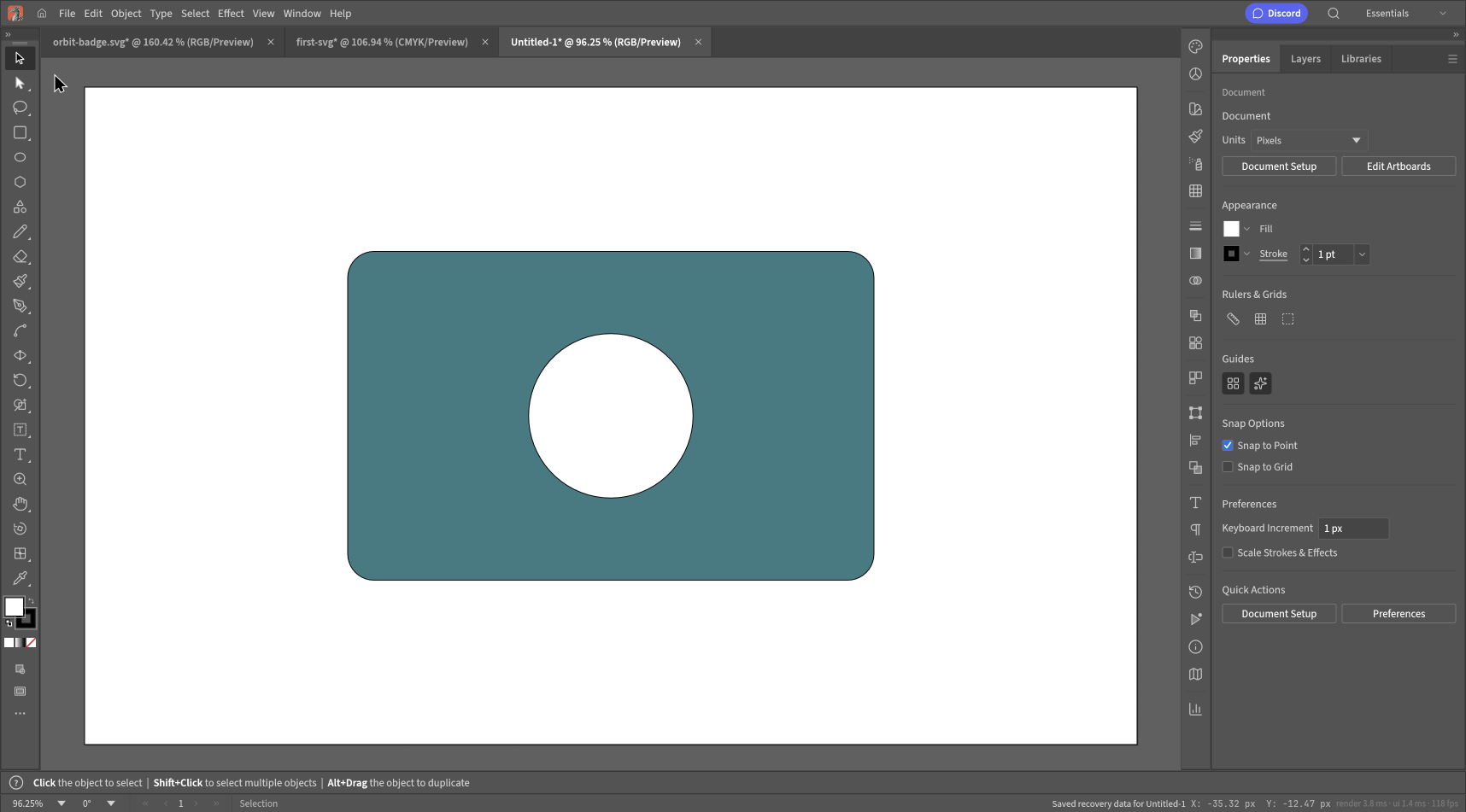
VectorCraft tutorial: create and export your first SVG
Build a simple two-shape graphic on a blank artboard, save an editable original, and check the SVG you export.
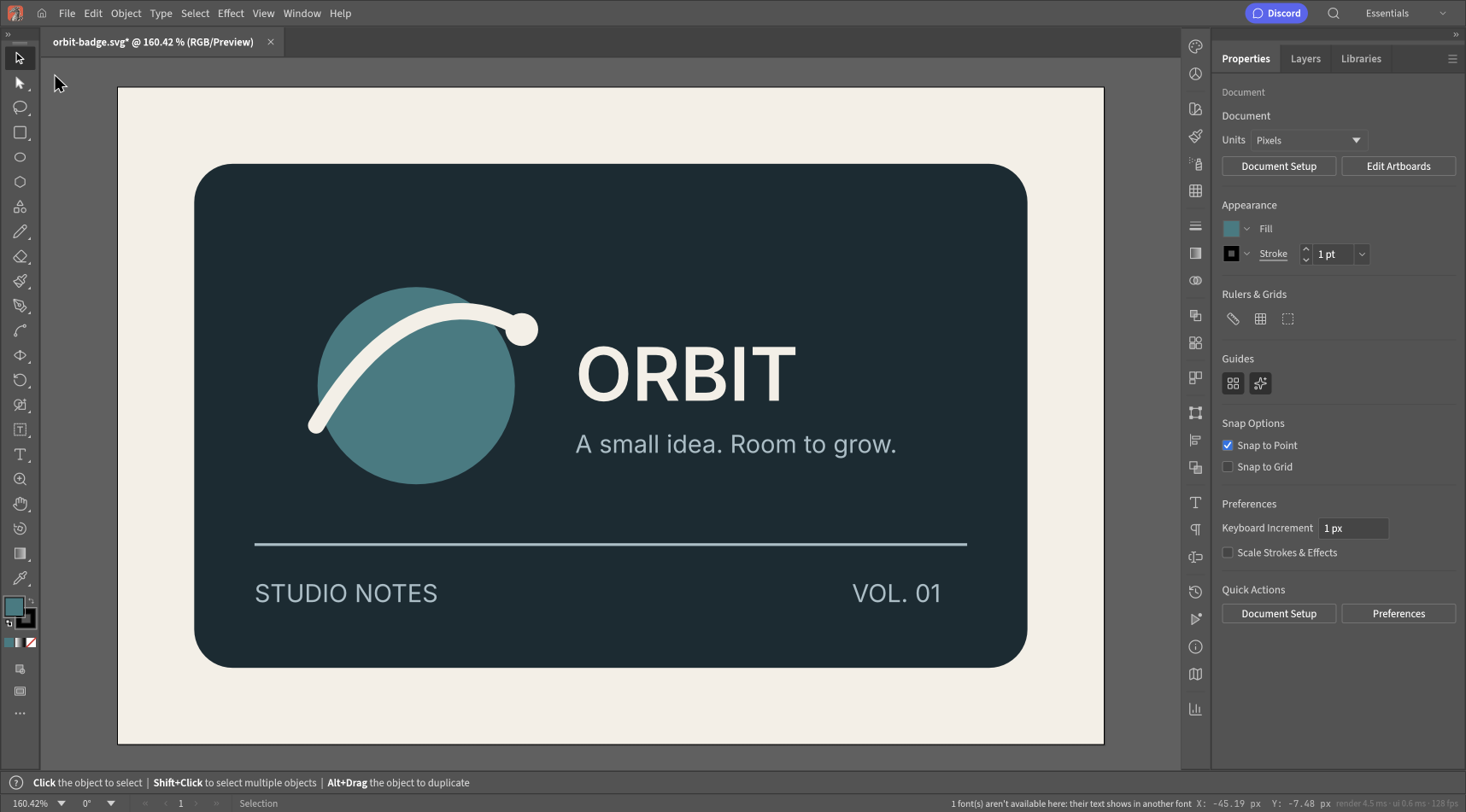
How to change SVG colors without Illustrator
Recolor one part of an SVG without repainting the whole file. A practical example, exact hex values, and the cases that need a different approach.
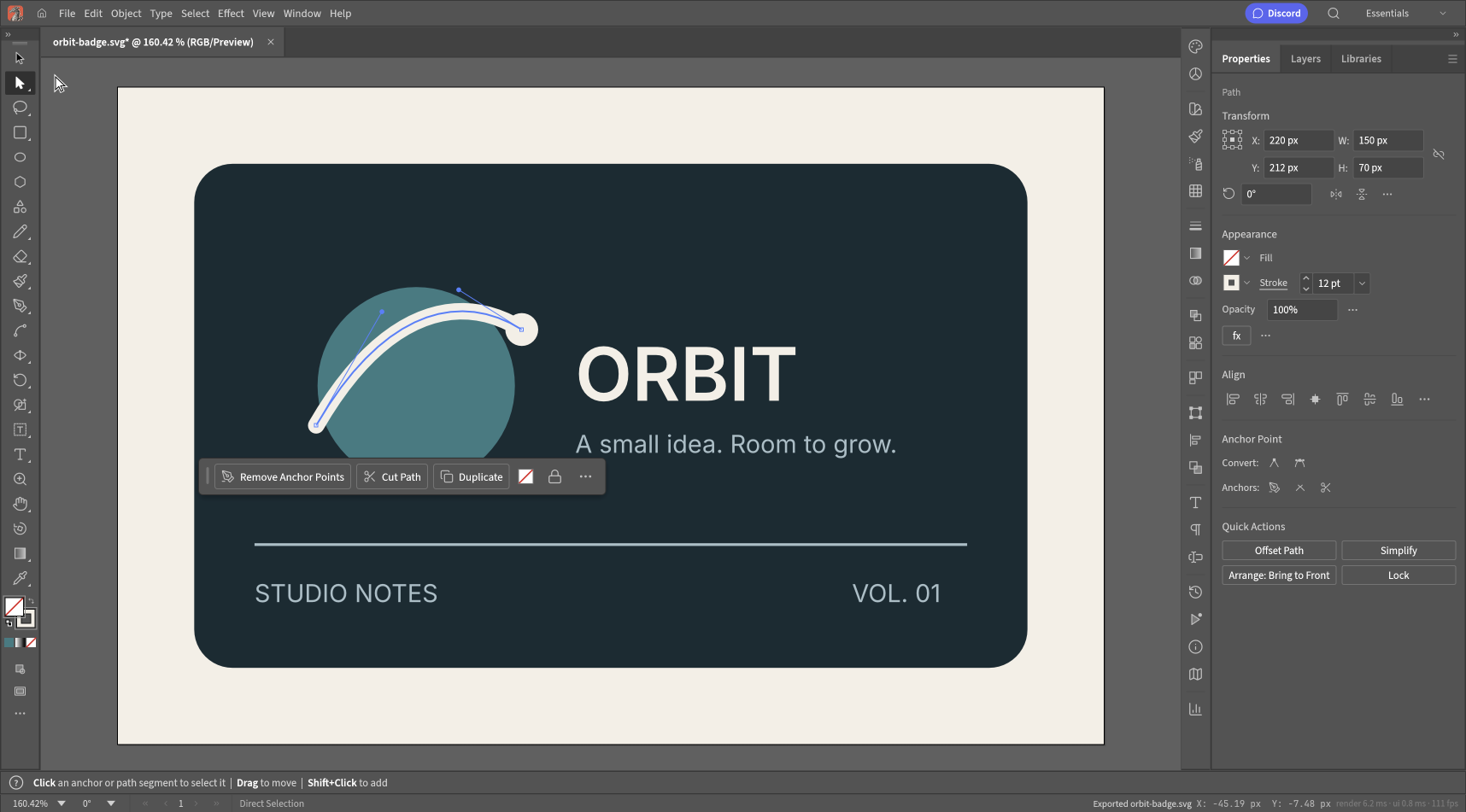
VectorCraft vs Inkscape: which fits your workflow?
A browser SVG edit or a desktop drawing workflow? Compare the file handoff, fonts and working originals before choosing an editor.
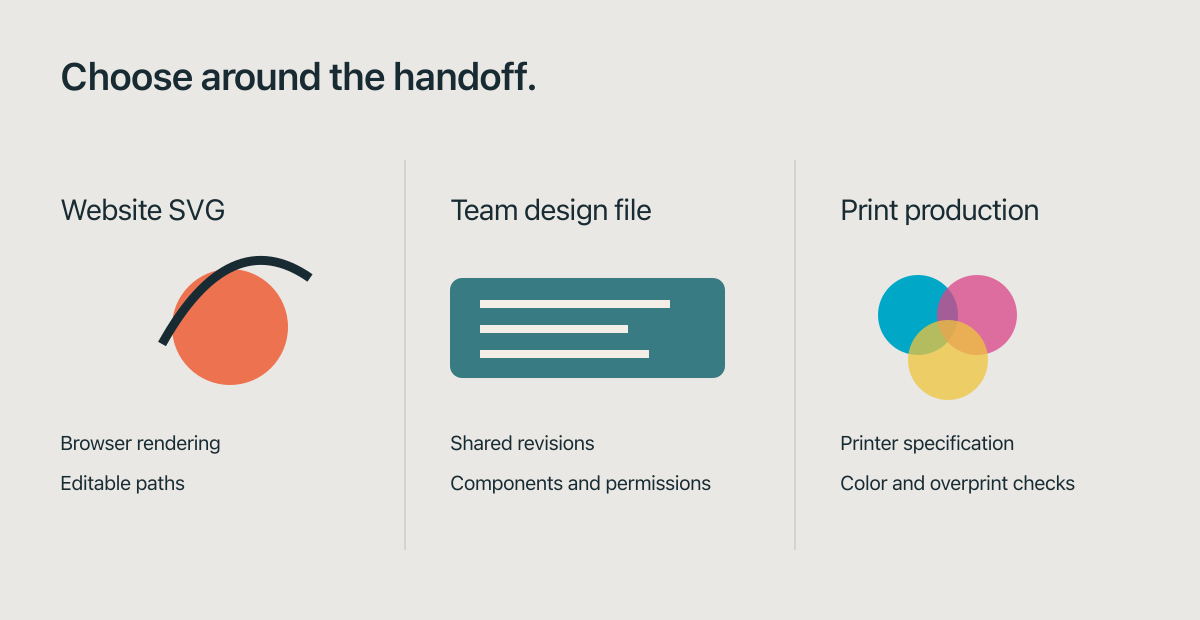
Can VectorCraft replace Illustrator? A practical comparison
For a small SVG edit, maybe. For an Illustrator production handoff, test the actual file and output requirements first. Here is where the distinction matters.
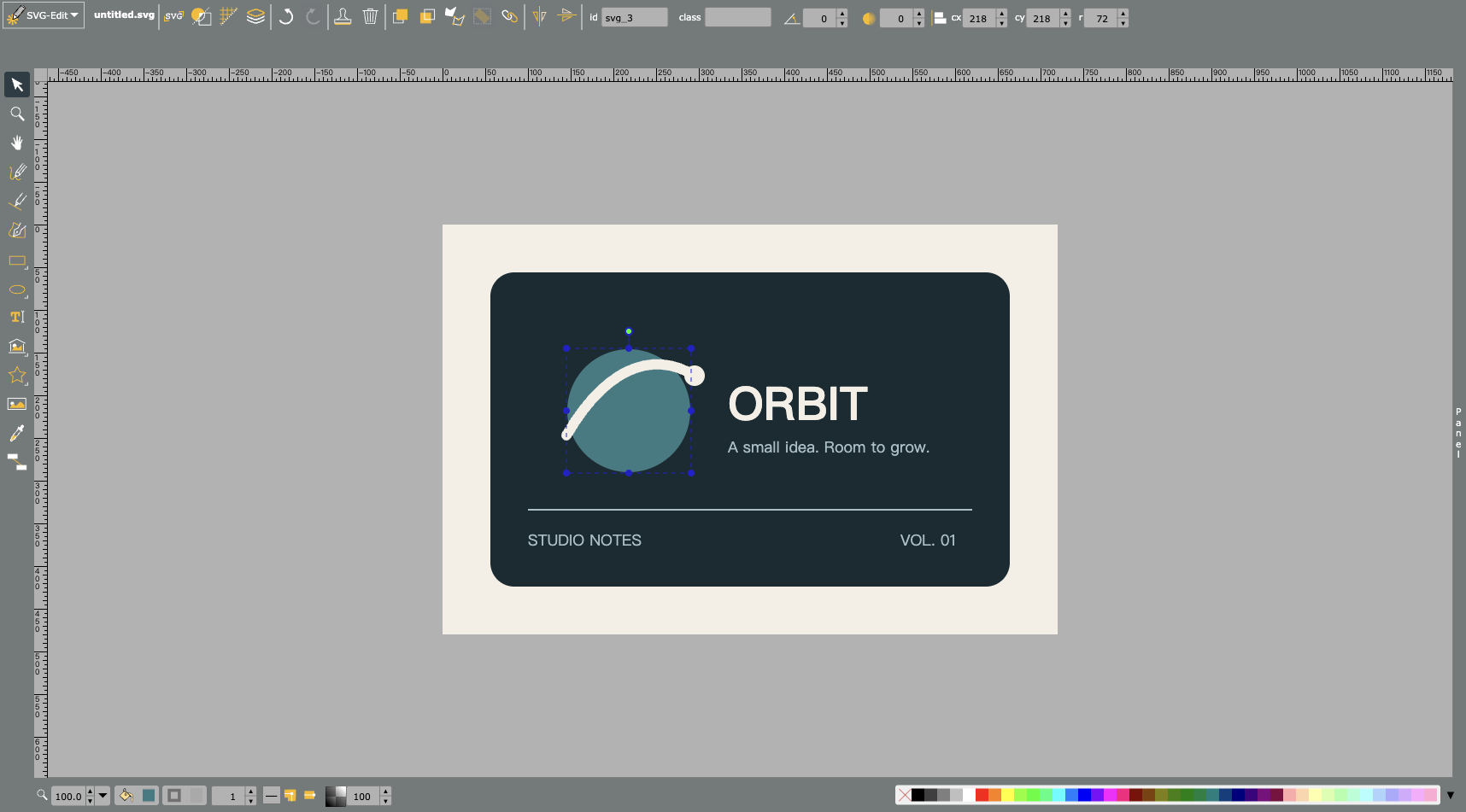
Free online vector editors compared for SVG editing
VectorCraft, SVG-Edit, Penpot and Figma suit different jobs. Two browser checks, a shared sample file, and a clear distinction between free editing and a free plan.
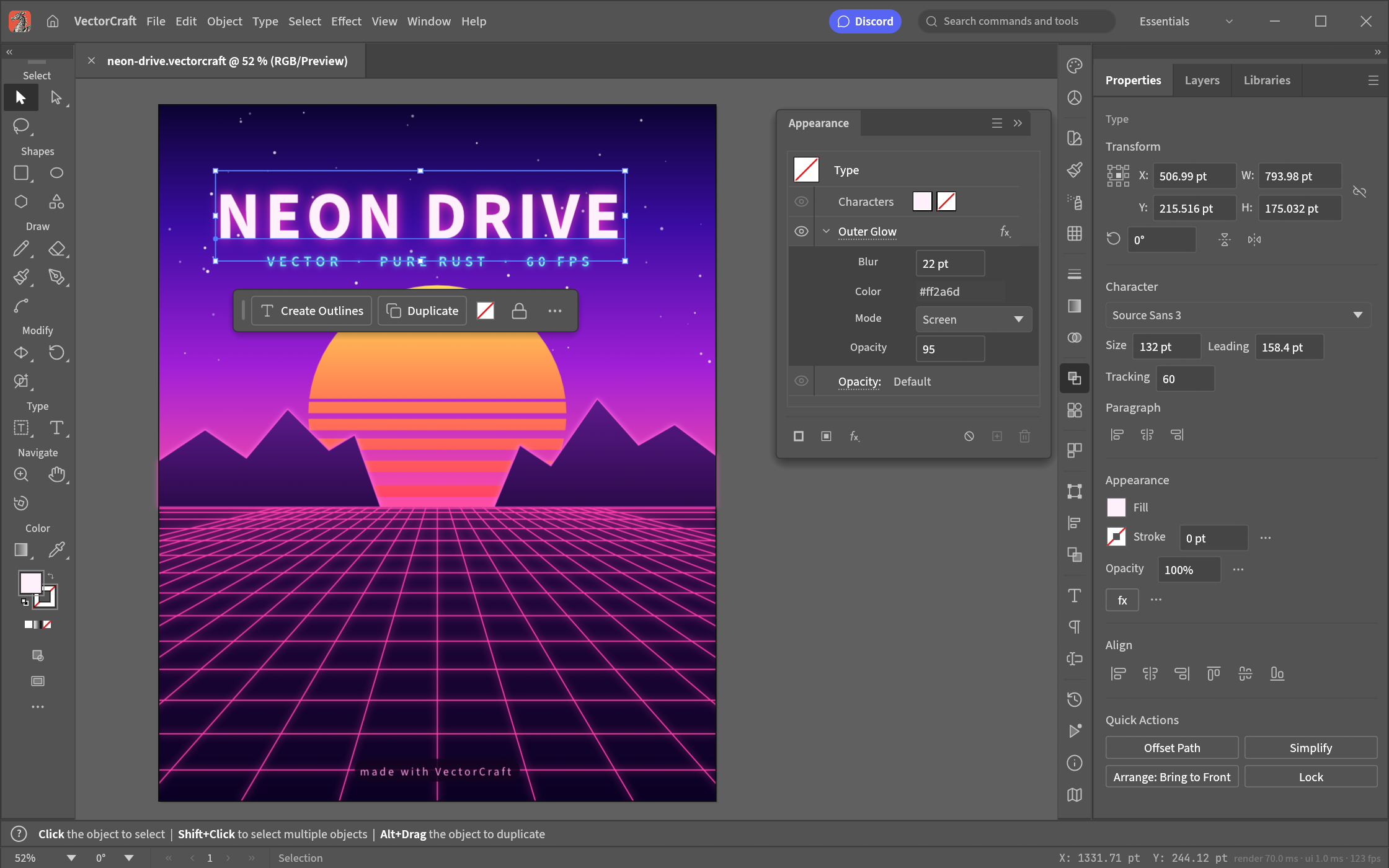
What is VectorCraft Online?
Start with an existing SVG or a blank canvas. Choose a first tutorial, save an editable original, and check your exported artwork.
 VectorCraft Online