VectorCraft vs Inkscape: which fits your workflow?
A browser SVG edit or a desktop drawing workflow? Compare the file handoff, fonts and working originals before choosing an editor.
For a quick SVG correction on a computer where you do not want to install software, VectorCraft Online is worth trying. For an ongoing desktop drawing workflow built around SVG, Inkscape is the stronger starting candidate to evaluate.
That recommendation is about the job, not a claim that one tool wins every feature contest. A one-object color change and a month of illustration work put very different demands on an editor.
We run this VectorCraft website, so there is an obvious interest here. The useful question is whether the file you hand off survives the workflow you actually need.
What this comparison is based on
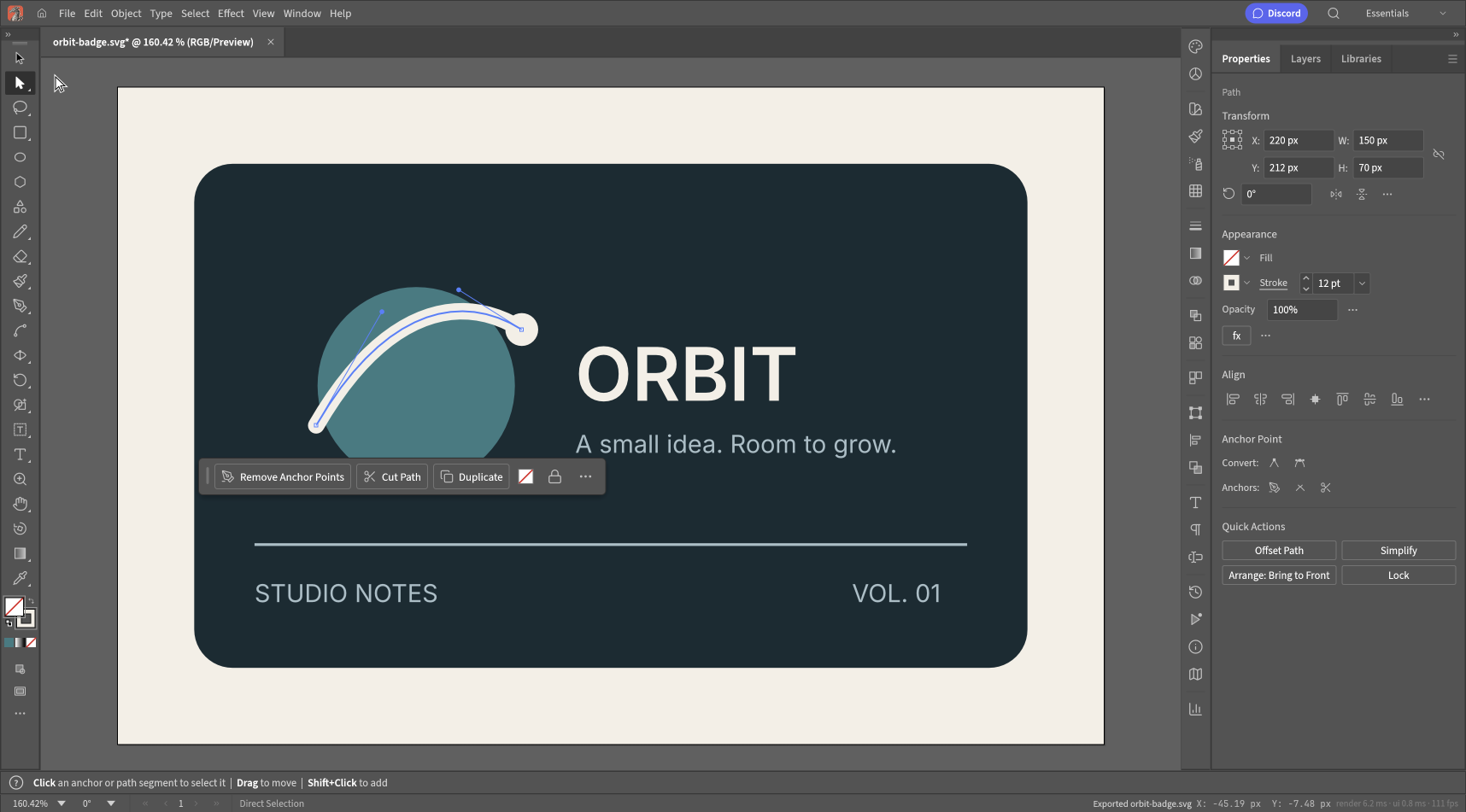
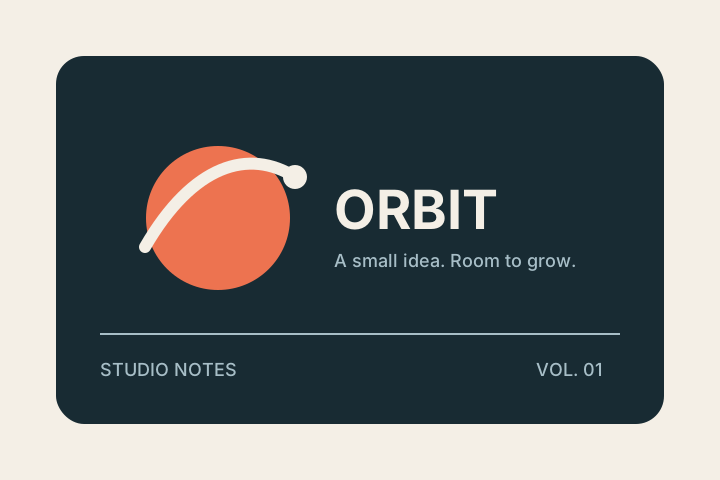
We opened our own Orbit badge SVG in the hosted VectorCraft 0.11.0 build, recolored one object, inspected its Bézier curve and downloaded an SVG. We checked that download's viewBox, paint and object types. The test ran on desktop Chromium for macOS on October 15, 2026.
For Inkscape, this article uses its published documentation. We did not run the same file through a local Inkscape installation. There are no invented timing results, compatibility scores or claims about which interface felt faster.
| Decision | VectorCraft Online | Inkscape |
|---|---|---|
| Start without installation | The hosted browser editor opened without an account in our test. | The official product is a desktop editor. Check its download options for your system. |
| Working original | Save a .vectorcraft document for continued editing. | Its guide recommends retaining an Inkscape SVG original when exporting other formats. |
| Change a simple SVG fill | Observed with our badge; a new SVG retained the teal paint. | Documented SVG and paint workflow; not tested here with our badge. |
| Cross-tool compatibility | A missing-font warning appeared in our small test. | Its import and export guides also warn about format-specific limitations. |
| Best first trial | A small browser edit with a downloadable result. | A representative document from your regular desktop workflow. |
Inkscape's beginner guide introduces the open-source editor. Its export guidance explains why the working original and the delivered file should be kept separately.
A quick correction favors a short route to the file
Suppose the request is “make the circle teal and keep everything else.” There is little benefit in learning an entire application before doing that edit.
In our VectorCraft test, the route was straightforward: drop the file, select the circle, set its Fill to #397B82, and export. The curve stayed a separate path and the title stayed text in the exported XML. The result did not acquire an embedded bitmap.
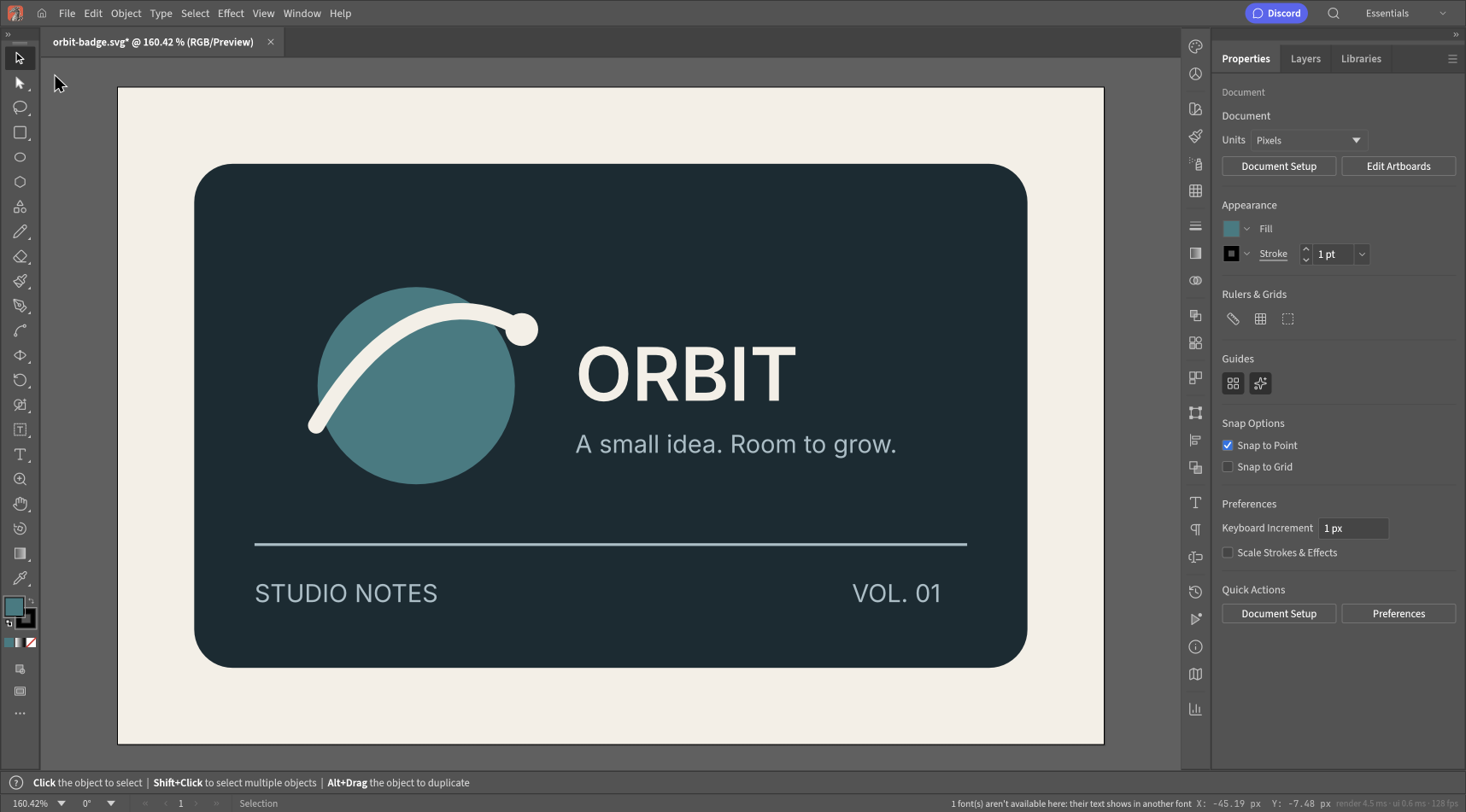
Our observed result in VectorCraft. You can download the original and export to repeat this small test.
That is a good reason to try a browser editor for this task. It is not a good reason to replace a desktop workflow that already works, especially when you depend on particular extensions, shortcuts or file conventions.
A working SVG is not always your complete original
If you use editor-specific effects or metadata, opening the file in another tool may change how you can keep editing it. A browser might still render the finished appearance correctly even when the second editor no longer understands the original construction.
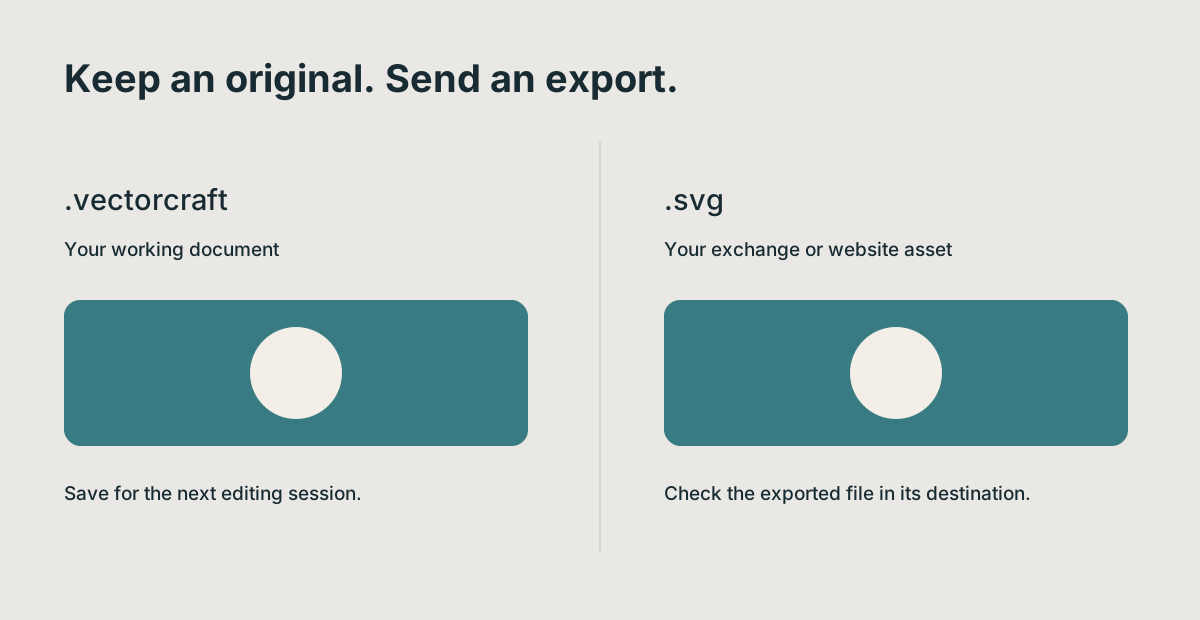
Keep the file your editor uses for continued work as well as the file you deliver. A successful browser preview answers only the display question.
Inkscape distinguishes its editor-rich SVG from plain SVG. VectorCraft has its own .vectorcraft working format. That difference is more consequential than a long list of toolbar icons: it tells you which file to return to for revisions.
If your entire workflow already revolves around Inkscape SVG files, changing tools should earn its keep. Try one of your real documents before making the switch.
Fonts can settle the choice before drawing tools do
Our test badge triggered a warning about an unavailable font in VectorCraft. The artwork still looked reasonable. A hurried review could easily have passed it along.
A browser-hosted editor and a desktop installation do not necessarily have the same fonts available. Do not assume either one will reproduce a document just because it contains a familiar-looking title.
For a useful comparison, use a text-heavy file from your own work. Inspect a long line, a short line and a paragraph with wrapping. Then view the exported file in its destination. The question is whether you can deliver the intended typography, not whether the editor displays some text.
We have not measured Inkscape's rendering of this badge, so we cannot claim it handles this particular font better.
Use this three-file trial before committing
Start with our badge, then add a file you already use at work. A final curve-and-gradient sample gives you a slightly different paint and geometry case. The latter is a supplied test fixture, not a claimed passing result in either editor.
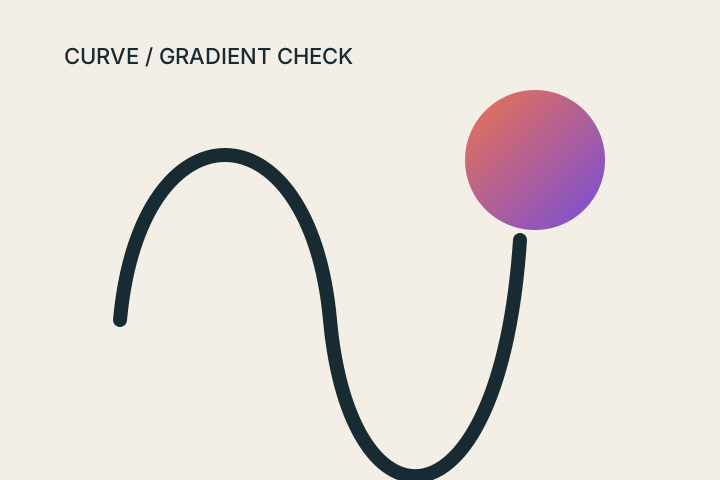
For each file:
- Compare its initial appearance with a trusted reference.
- Change one fill and move one object.
- Inspect a curve using node or direct selection tools.
- Export an SVG and reopen it in the destination.
- Record which objects and text remain editable.
Keep screenshots and exported files. If you later discover an issue, you will know what passed and what was never checked.
Which one would we try first?
For a small browser edit, open VectorCraft Online and see whether your file behaves as expected. You do not need to make a permanent tooling decision to finish one correction.
For regular desktop SVG work, start your evaluation with Inkscape's official downloads and documentation. Check the features your existing work requires, then compare a representative exported result.
If you need a production Illustrator handoff rather than an SVG, that is a different decision. We discuss it in whether VectorCraft can replace Illustrator.