What is VectorCraft Online?

Start with an existing SVG or a blank canvas. Choose a first tutorial, save an editable original, and check your exported artwork.
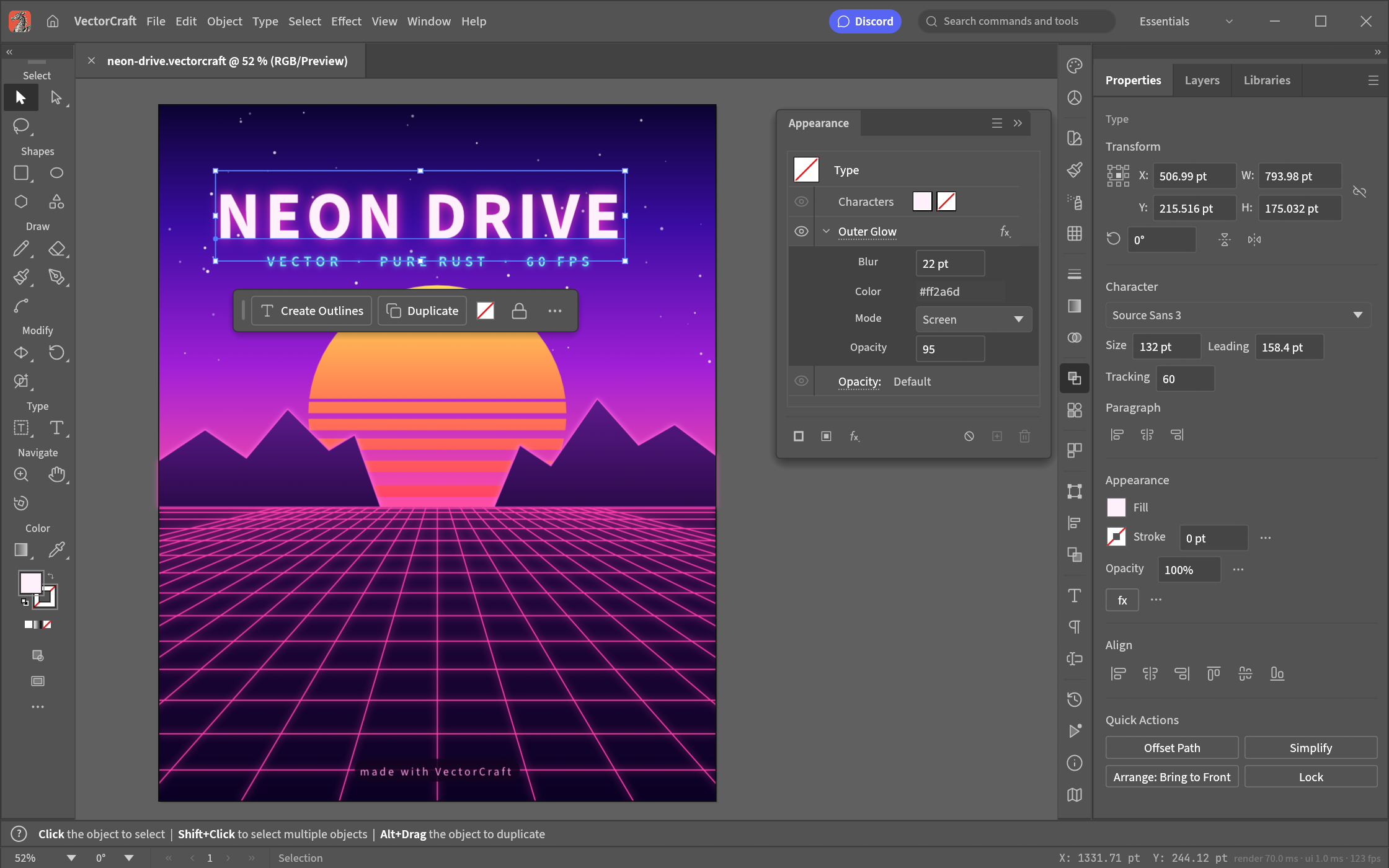
VectorCraft Online brings the open-source VectorCraft editor into a browser workspace. Open the editor from this website and start drawing without creating an account.
Choose your first task
- Edit a file you already have: open the editor and choose File > Open, or drop an SVG onto the canvas. Follow the SVG editing walkthrough to select an object, change its fill and check the export.
- Try without a file: open the sample SVG. It contains simple shapes and a curved stroke, so you can inspect what changes without starting from an empty canvas.
- Draw something new: follow the first SVG tutorial to make a rounded rectangle and circle on a blank artboard. The guide includes a downloadable result.
Make one change, then check the result
Start with a copy of your SVG. Select a shape with the Selection tool, then use Properties > Appearance > Fill to change its color. For a line, change Stroke instead. Our color tutorial shows this distinction with the Orbit badge and links to both the original and exported files.
Export an SVG, reopen the downloaded file, and compare it with your intended result. Check text, clipping, gradients and the artboard bounds. Opening a file successfully does not guarantee that every feature will survive an export.
Save your work
Save a local project file so you can reopen and edit it later. Export SVG when you need a vector file for another tool or a website.
The native .vectorcraft file is your editable working copy. Browser recovery is not a backup: save to your device before closing the page. The hosted editor is alpha software, and complex files or unavailable fonts can change appearance. The linked tutorials identify the tested build and their limits; this introduction does not add a new compatibility test.
Find the next guide
Use the help index for file formats, AI setup and permissions. If you are deciding whether to move from another tool, the Inkscape comparison and Illustrator comparison explain which workflows were checked and where a separate test is still needed.
This is an independently hosted browser site, not the official VectorCraft website. Read About for the hosting relationship, licenses and editorial approach.
The editor is developed by the VectorCraft contributors. Its source is available under MIT or Apache-2.0; the original license notices are included with our hosted copy.